How I began with Darktable
How I began with Darktable
Original post from linux.xvx.cz
There are many tools which help you with editing the raw photos, but not so many are free. Because I switched from JPEG to RAW, I was looking for a free editor that could help me with this task…. and I found Darktable.
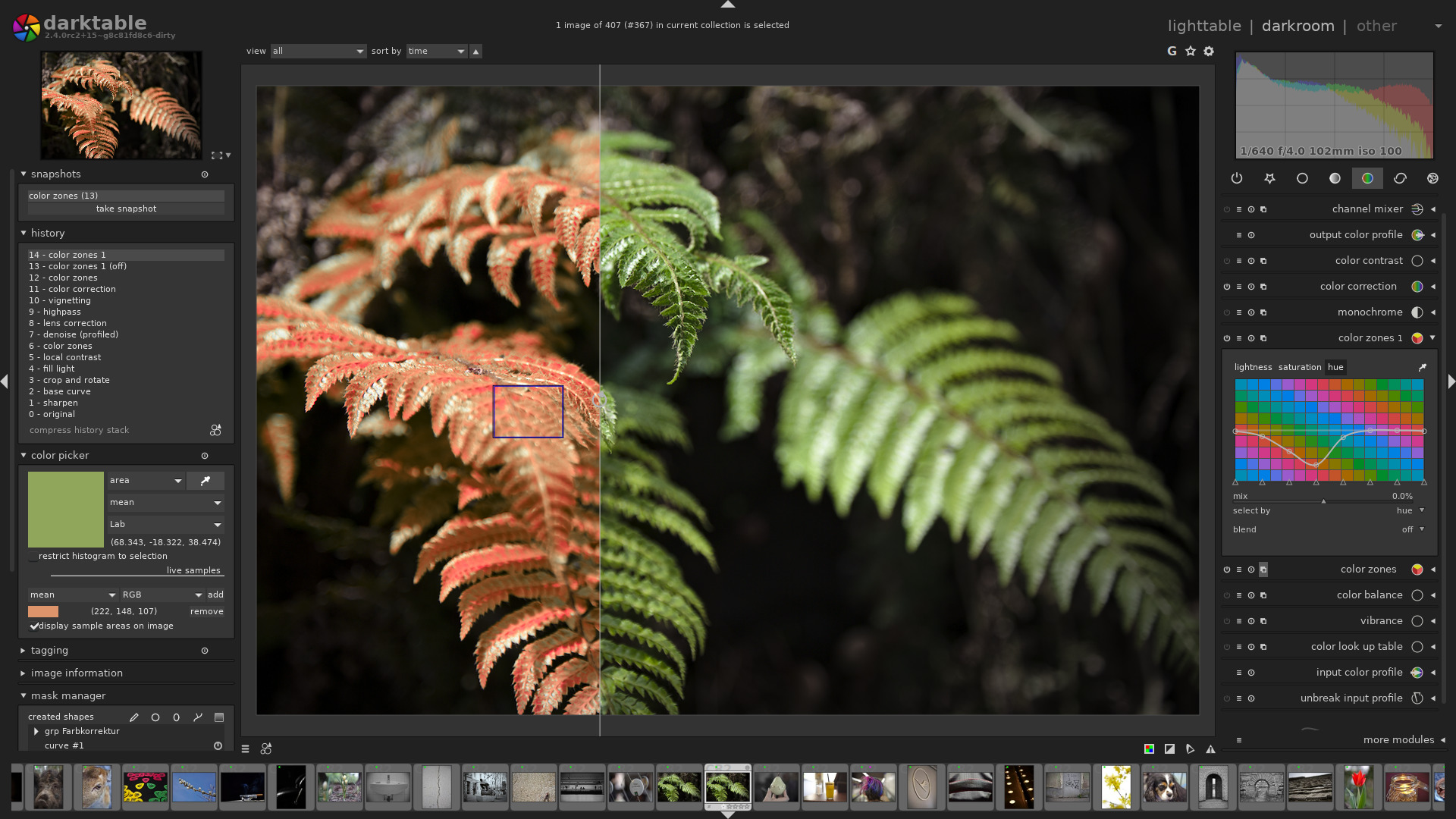
Darktable is used by many professional photographers and starting with it is not very easy.
Here are a few steps on how I started to use Darktable.
- Start watching the tutorials on YouTube to see how others are using Darktable when editing the photos: https://www.youtube.com/results?search_query=darktable
- Try to learn the techniques used for correcting/improving photos
- Try to find the photos in your collection similar to the ones which are shown on the video and try to follow similar steps to learn them
- Practice what you learn from the videos…
It’s really handy to see how professional photographers work and then try similar steps on your own photos.
There are quite a lot of tutorials on YouTube and one may not know what kind of photo (scene) is actually edited in a particular video.
I decided to make a GitHub page, where you can see what kind of photos are edited in specific YouTube Darktable tutorials. It’s handy for finding similar photos in your collection to practice and learn.
Here is the link: https://github.com/ruzickap/darktable_video_tutorials_list
Enjoy ;-)